Coach platform works in sync between the web and mobile platform. This allows for flexible learning for the Learners on board the Coach platform. To login to your Coach mobile app, please follow these steps:
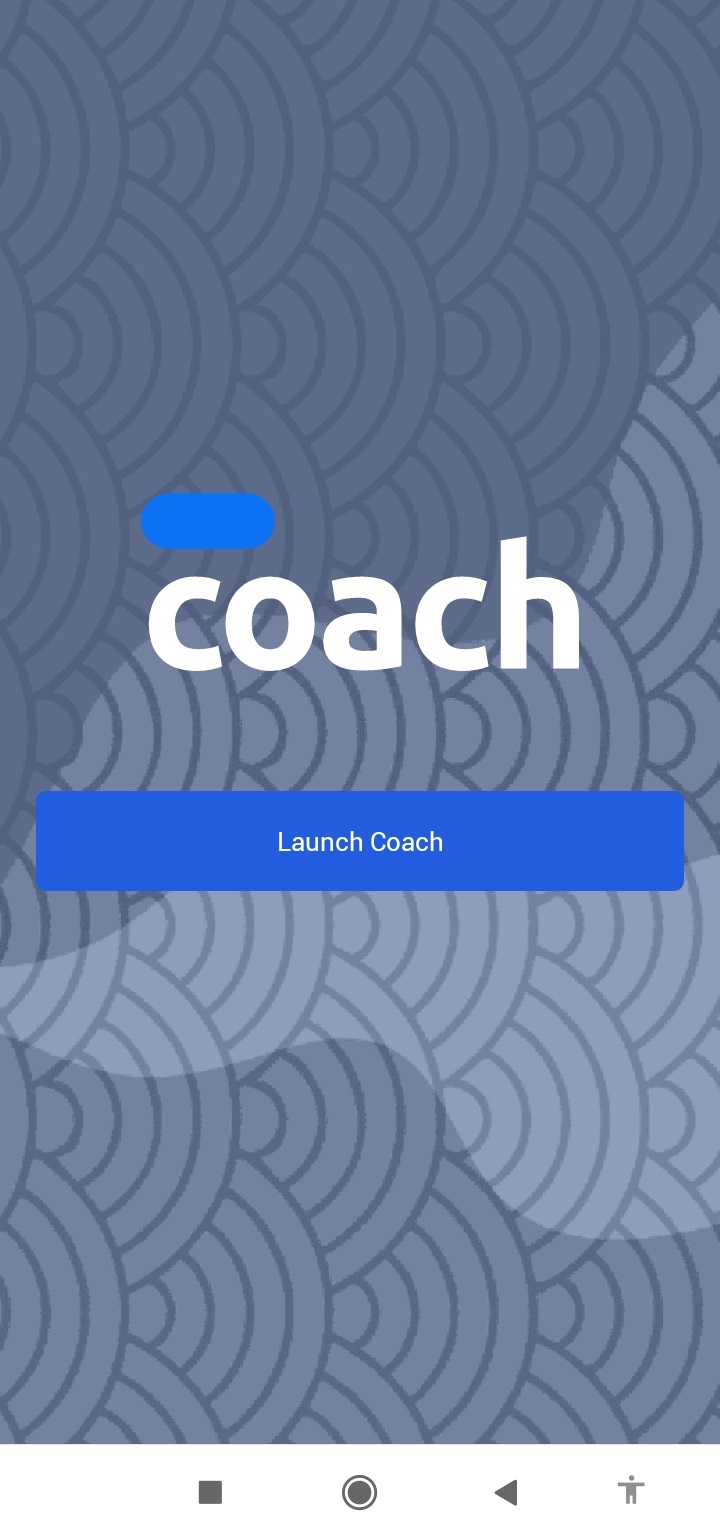
1. Launch your Coach mobile app.
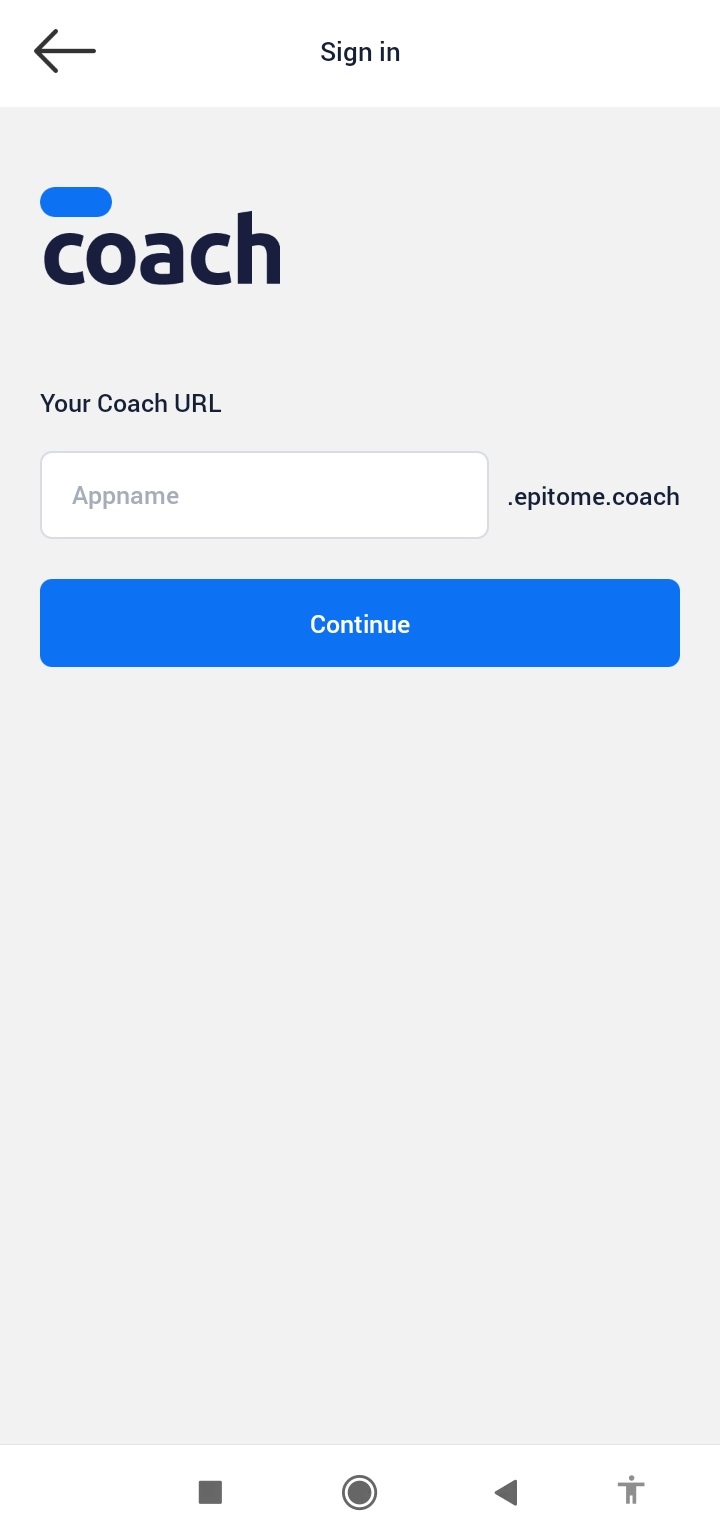
2. Enter the designated Tenant's space address.
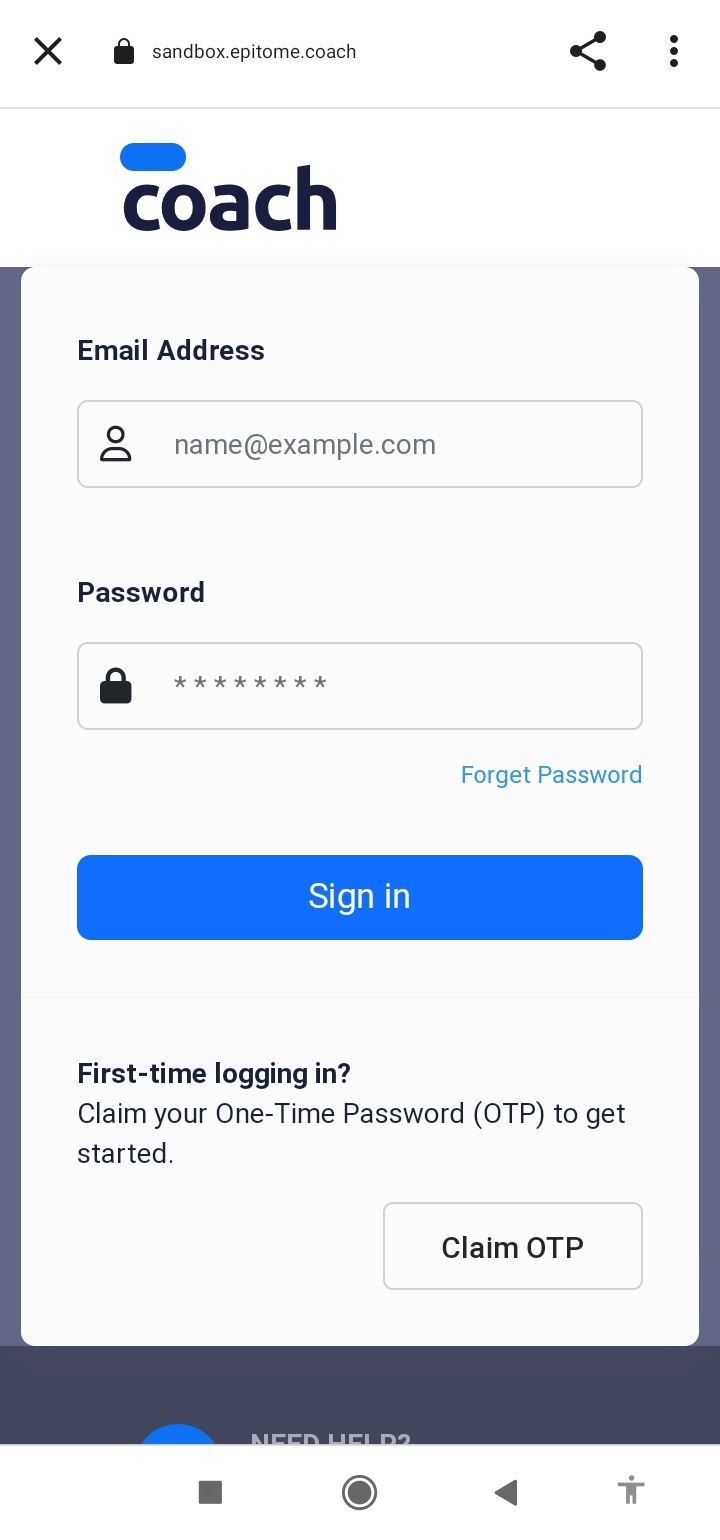
3. Enter your login access.
4. You have entered the Coach mobile app now! Now look for the online course that you want to learn.
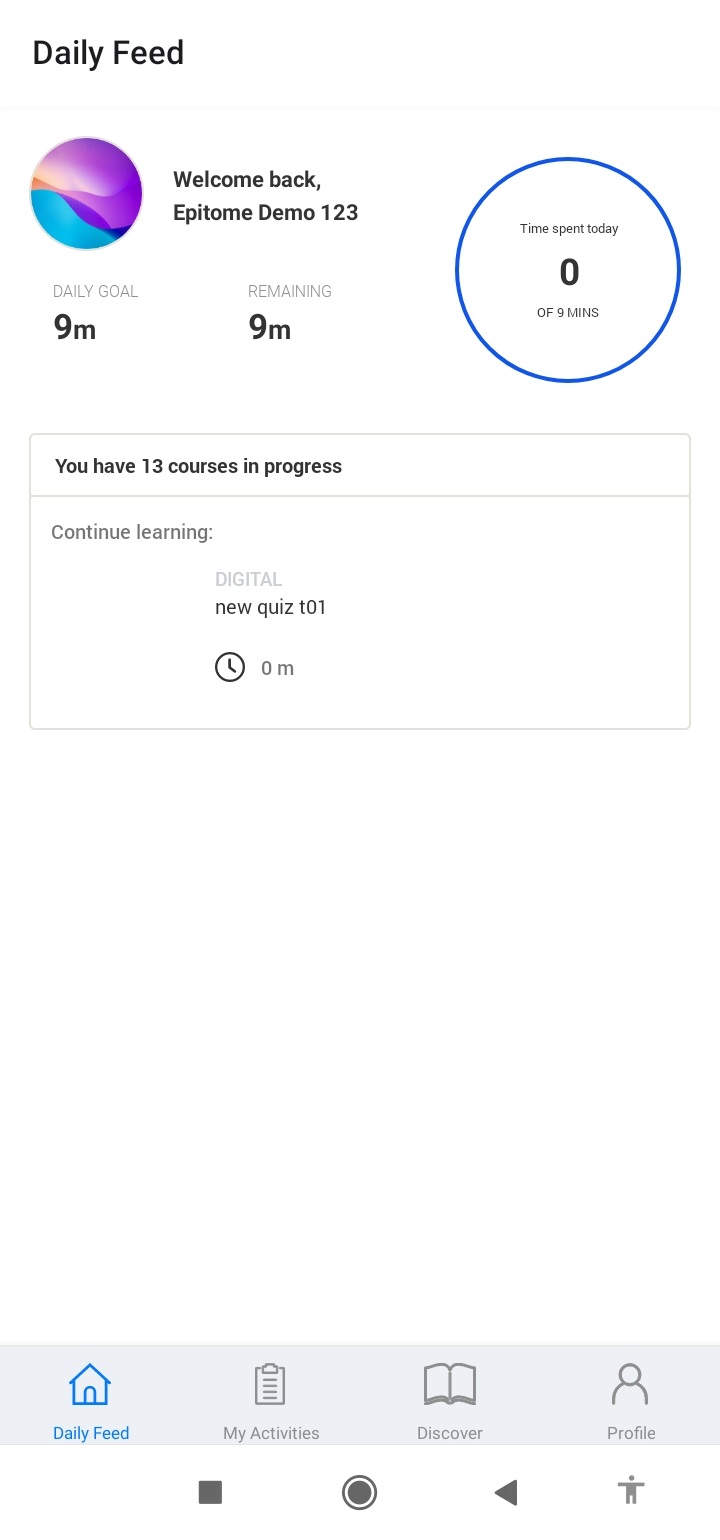
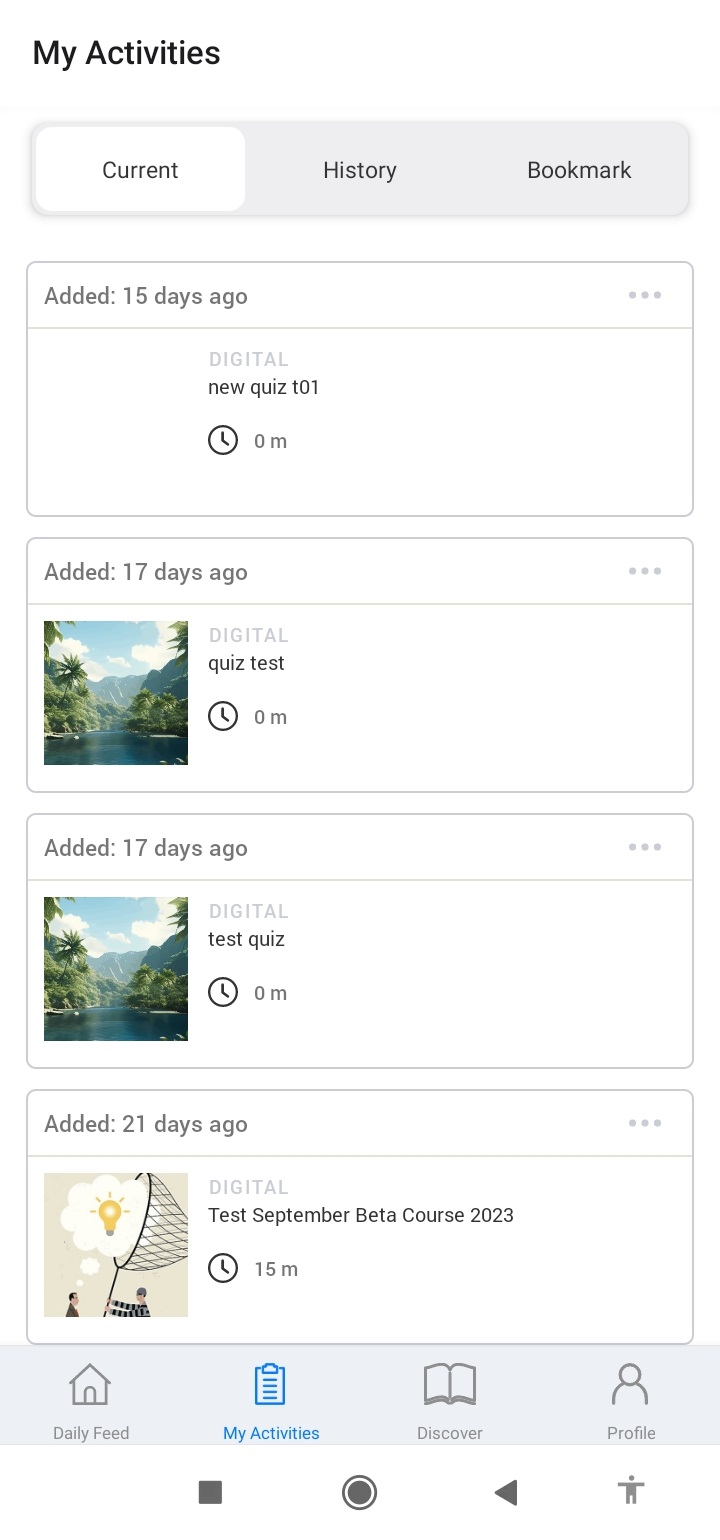
5. You can find the online course you want to learn from, whether it's from the My Activities > Current tab.
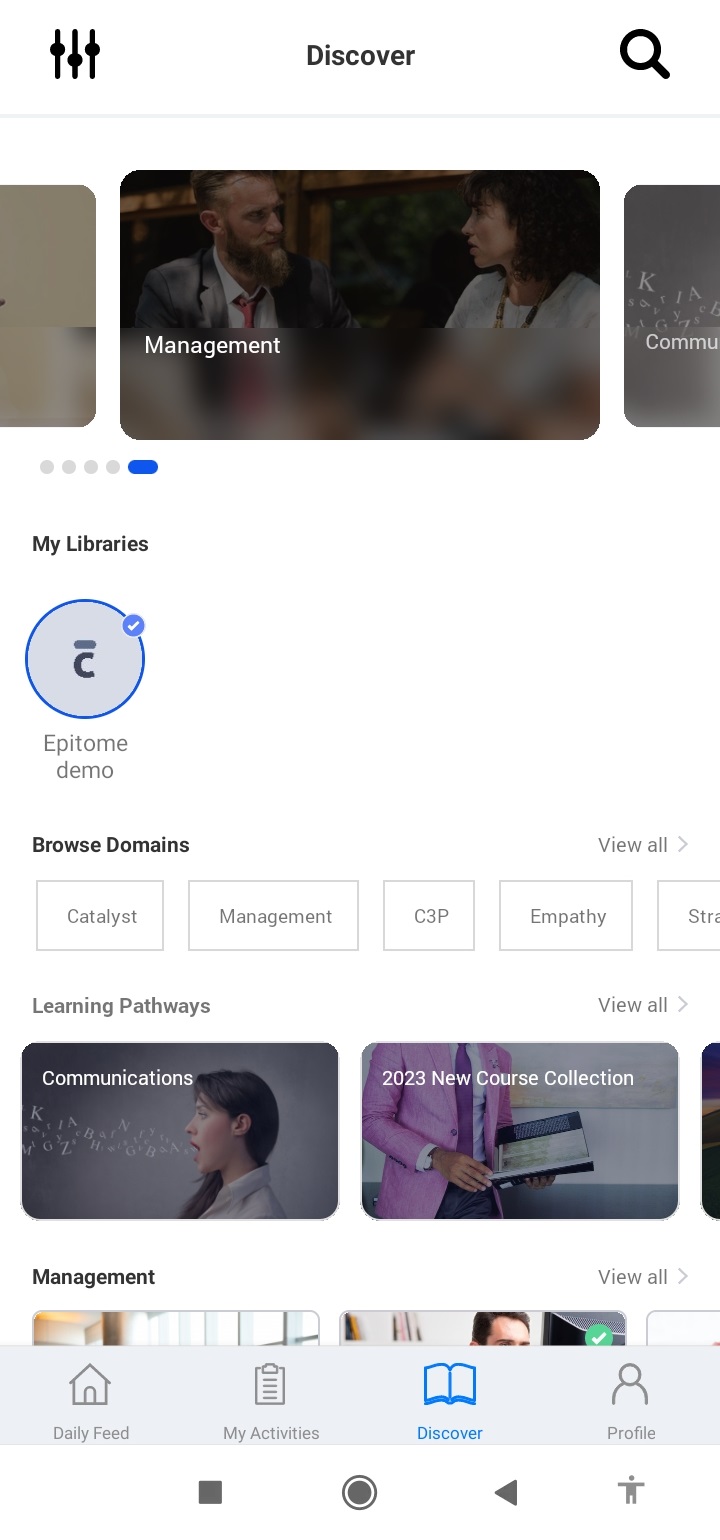
6. Or from the Learning Paths on the Discovery page.
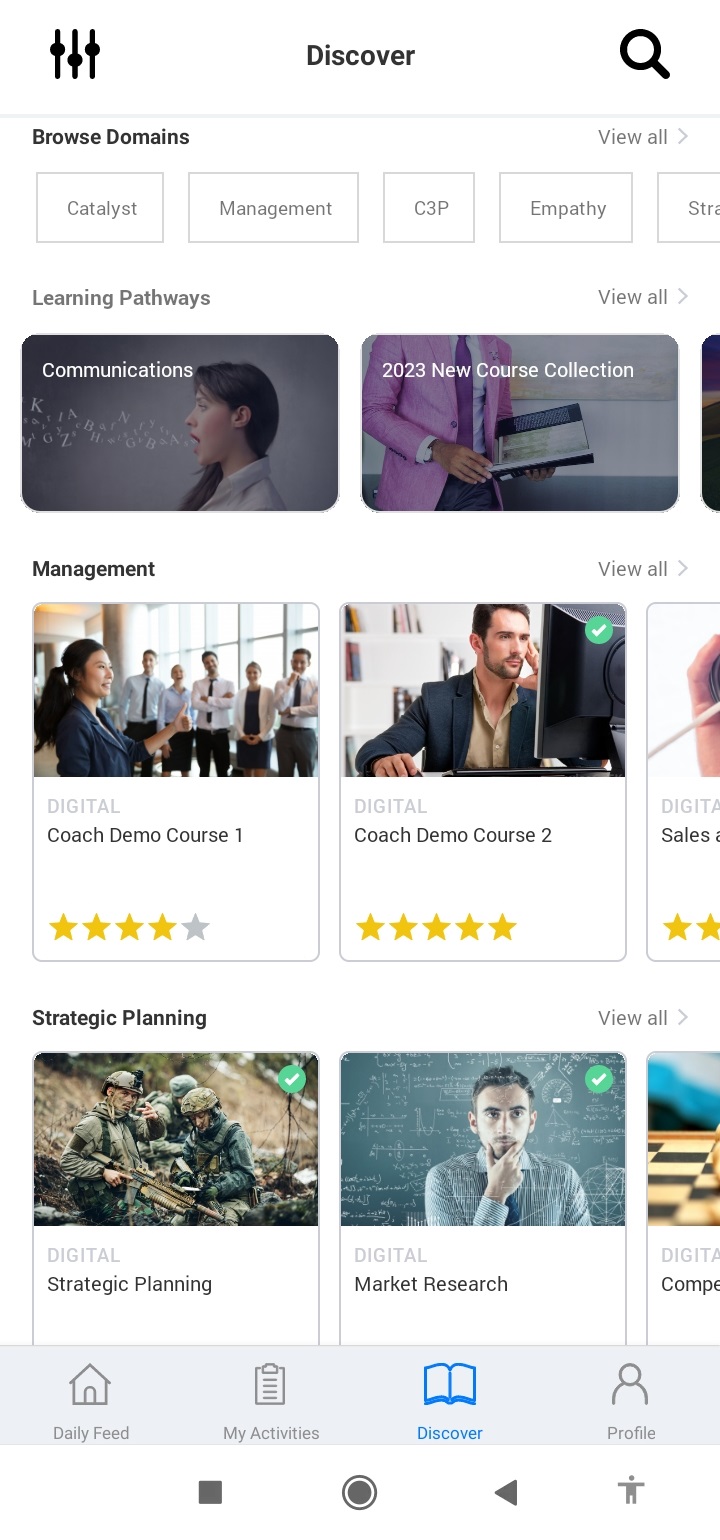
7. Or from one of the Domains on the Discovery page.
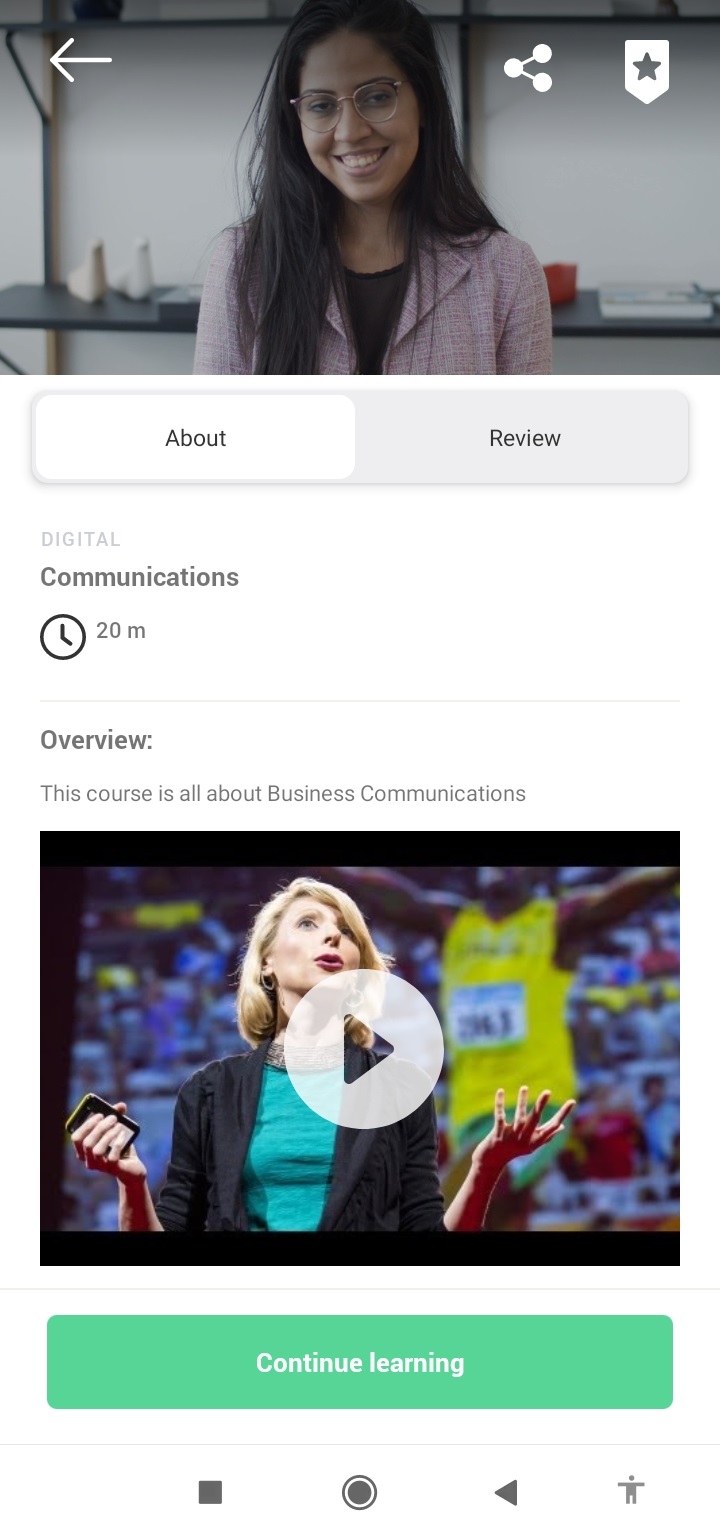
8. After finding the online course you want, you can click it and you'll be brought to its Course info page. You can click on the button to start learning from the course.
Was this article helpful?
That’s Great!
Thank you for your feedback
Sorry! We couldn't be helpful
Thank you for your feedback
Feedback sent
We appreciate your effort and will try to fix the article