Coach platform allows multiple Tenant spaces to exist on the same platform. This feature lets many Tenants to manage their users and learning materials exclusively from each other. To login to your desired Tenant space on your Coach mobile app, please follow these steps:
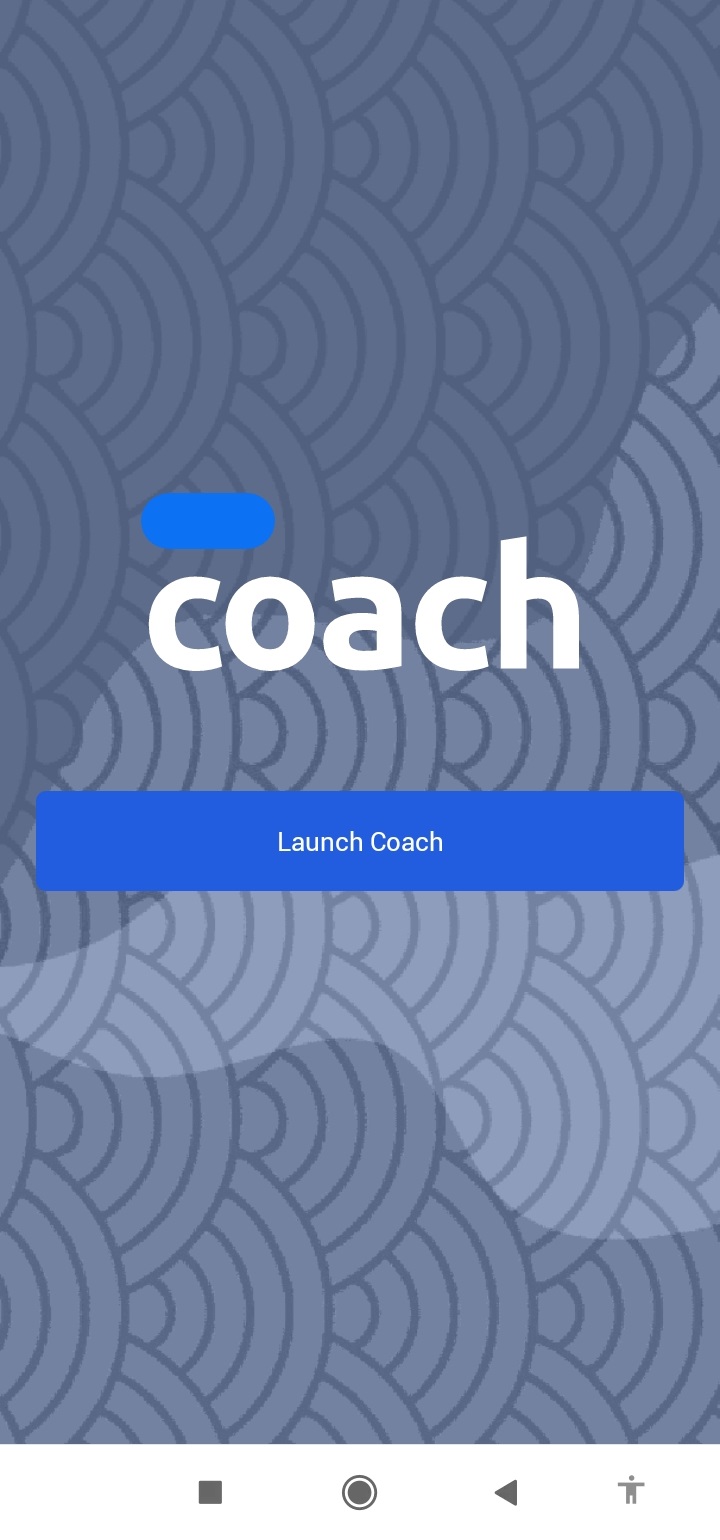
1. Launch your Coach mobile app.
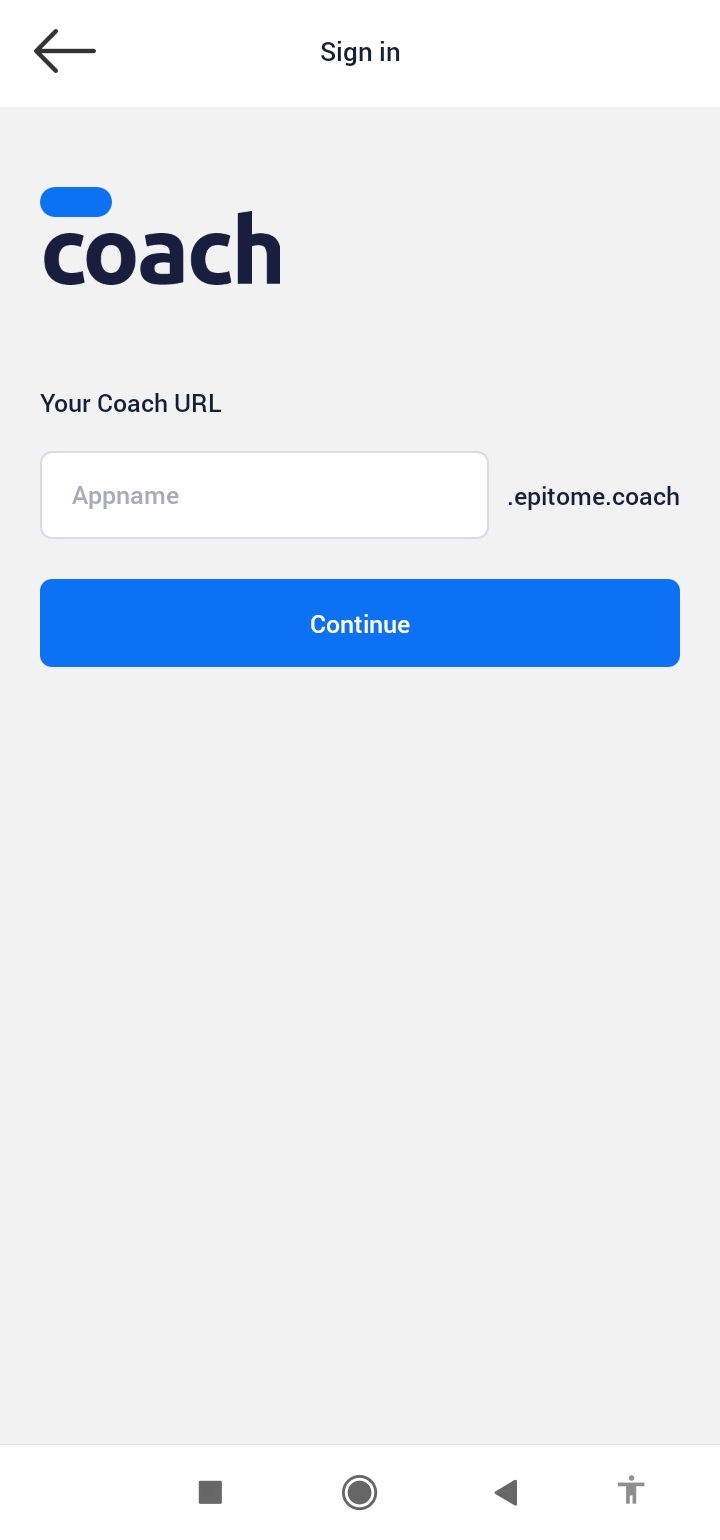
2. Enter the designated Tenant's space address.
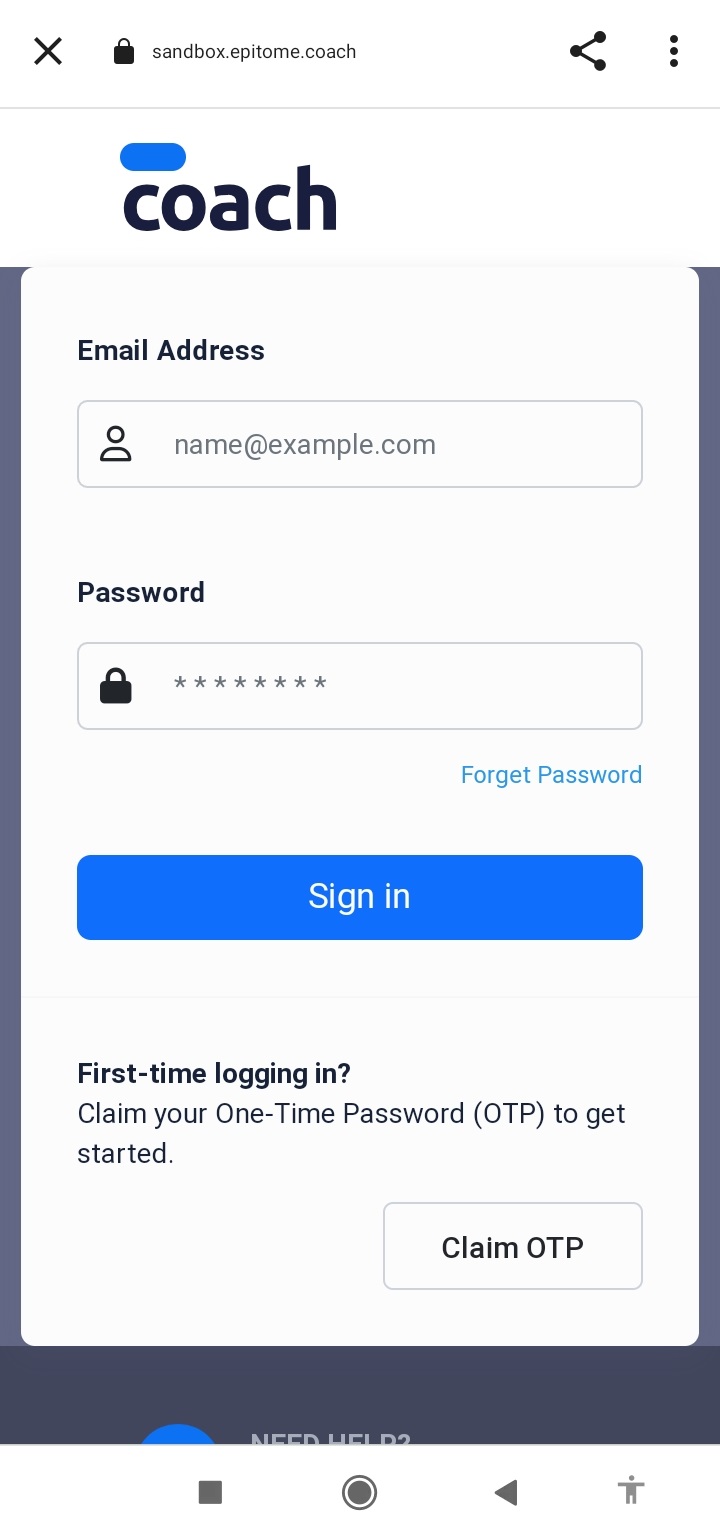
3. Enter using your login access.
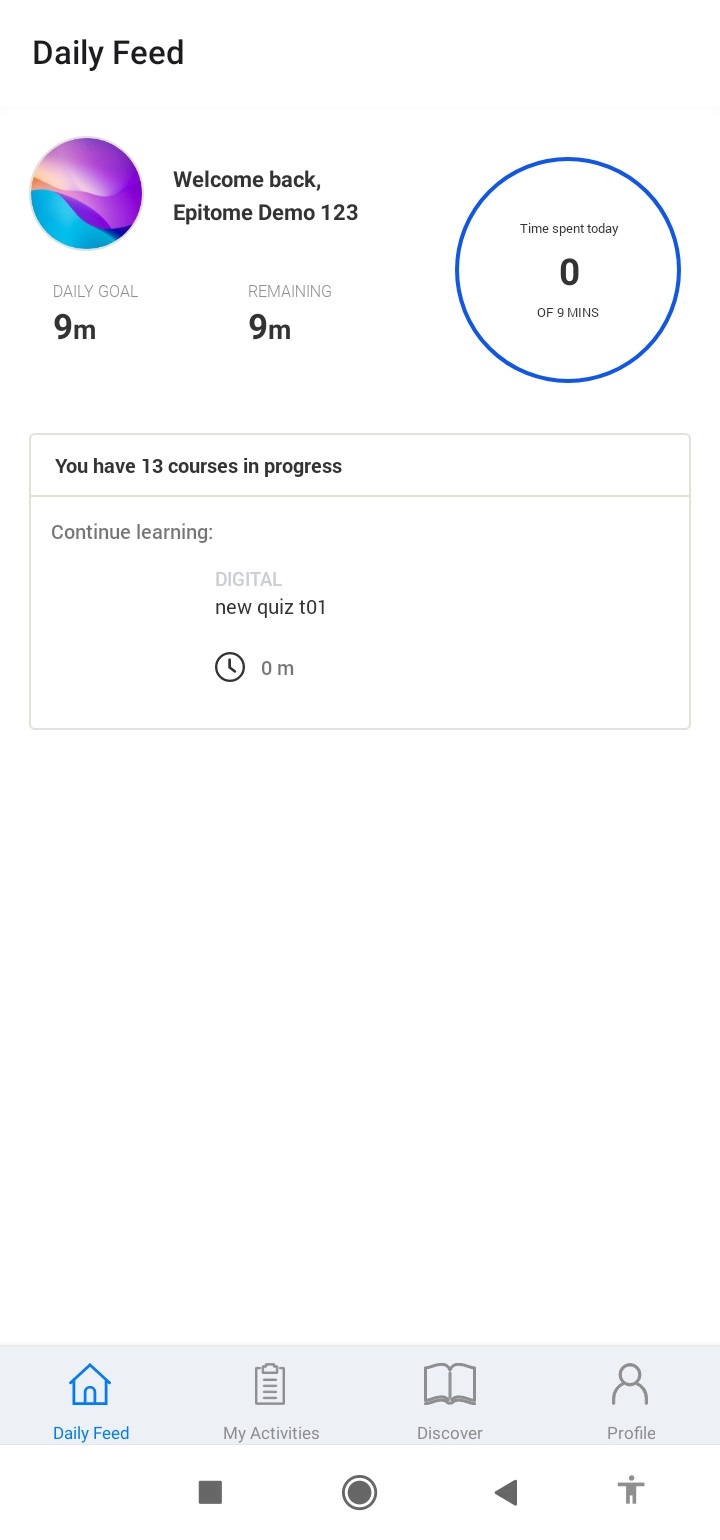
4. You've entered the specific Tenant space on the Coach mobile app now!
Was this article helpful?
That’s Great!
Thank you for your feedback
Sorry! We couldn't be helpful
Thank you for your feedback
Feedback sent
We appreciate your effort and will try to fix the article